Product
Introducing recording
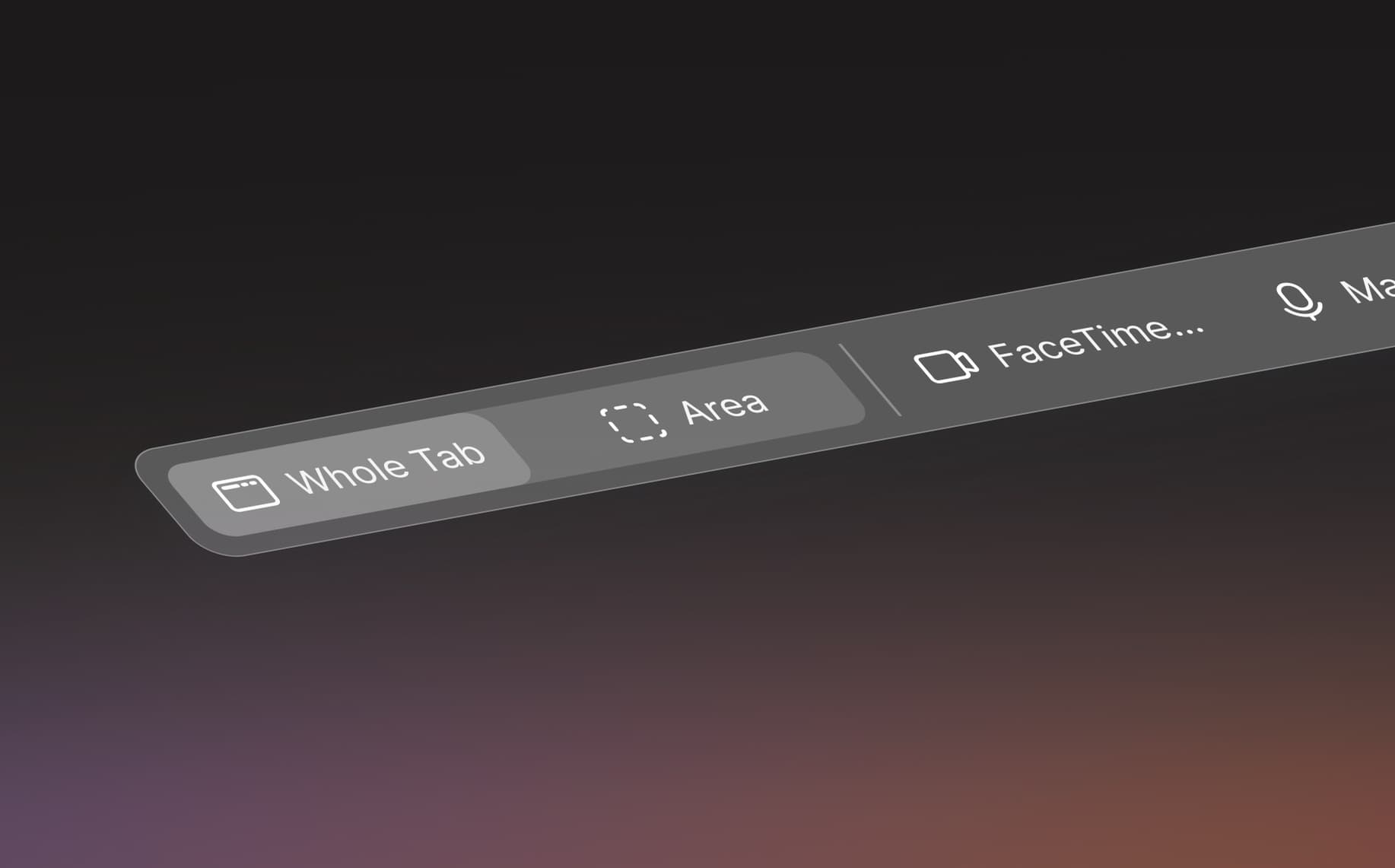
Today we’re adding screen recording to Quality.
You’ve probably seen this happen. Someone notices a menu flickering, or a checkout that hangs for a few seconds before it goes through, and spends five minutes trying to describe it in a comment. Whoever picks it up still ends up asking them to show it on a call.
Now you can just record it. Press Record on the toolbar, walk through what you saw and send it. It shows up as a thread on the page you recorded, next to the rest of your team’s feedback.
Recording
You can record the whole tab, or pick Area and drag a box around the part you care about. If it’s easier to talk it through, turn on your camera and mic before you start.
Your camera is saved separately, so whoever watches can drag your face out of the way or hide it. In Chrome, the recording controls and the camera bubble don’t end up in the video, so you only see the page. You can pause whenever you like, and if the page reloads halfway through, you can carry on from where it stopped.
What engineers get
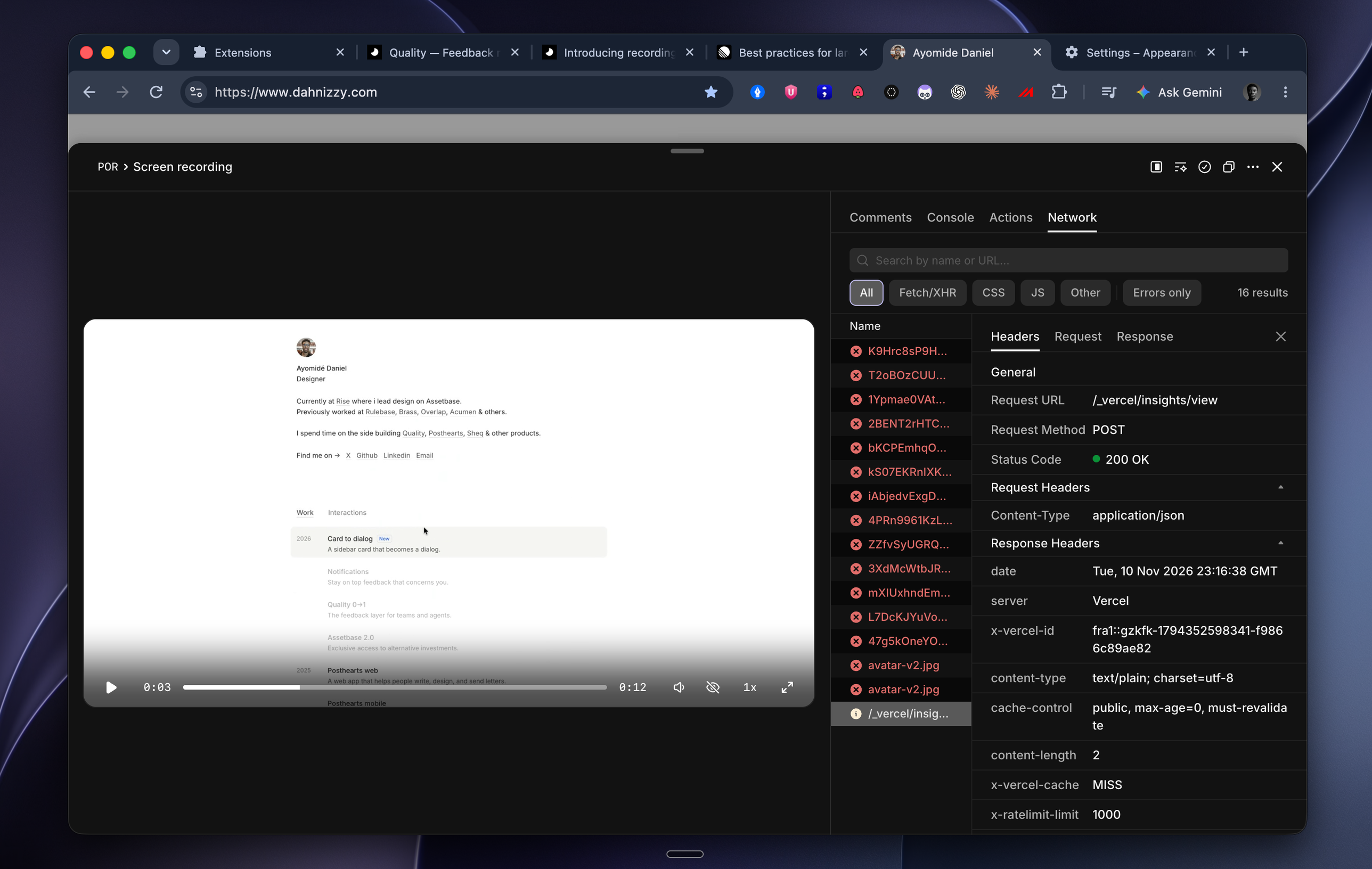
While you record, Quality also keeps the console, the network requests and your clicks, lined up with the video. If a button spins forever at 0:40, the engineer can go to 0:40 and see the request that failed, without asking you to open devtools.
Sending it
When you stop, you can trim the start and end and write a comment. Send posts it as a thread. Get a link gives you a link to paste into Slack or a doc, open to your workspace or to anyone who has it. The upload runs in the background, so you can go back to what you were doing.
People reply under the video like on any other thread. Type a time like 0:42 in a reply and it becomes a link that jumps to that point.
Try it
Recording works in the browser extension and the Quality script. The Free plan comes with 10 recordings a month, and paid plans don’t have a limit. Open a project and press Record.
Ayomide Daniel