Product
Quality, in one line of code.
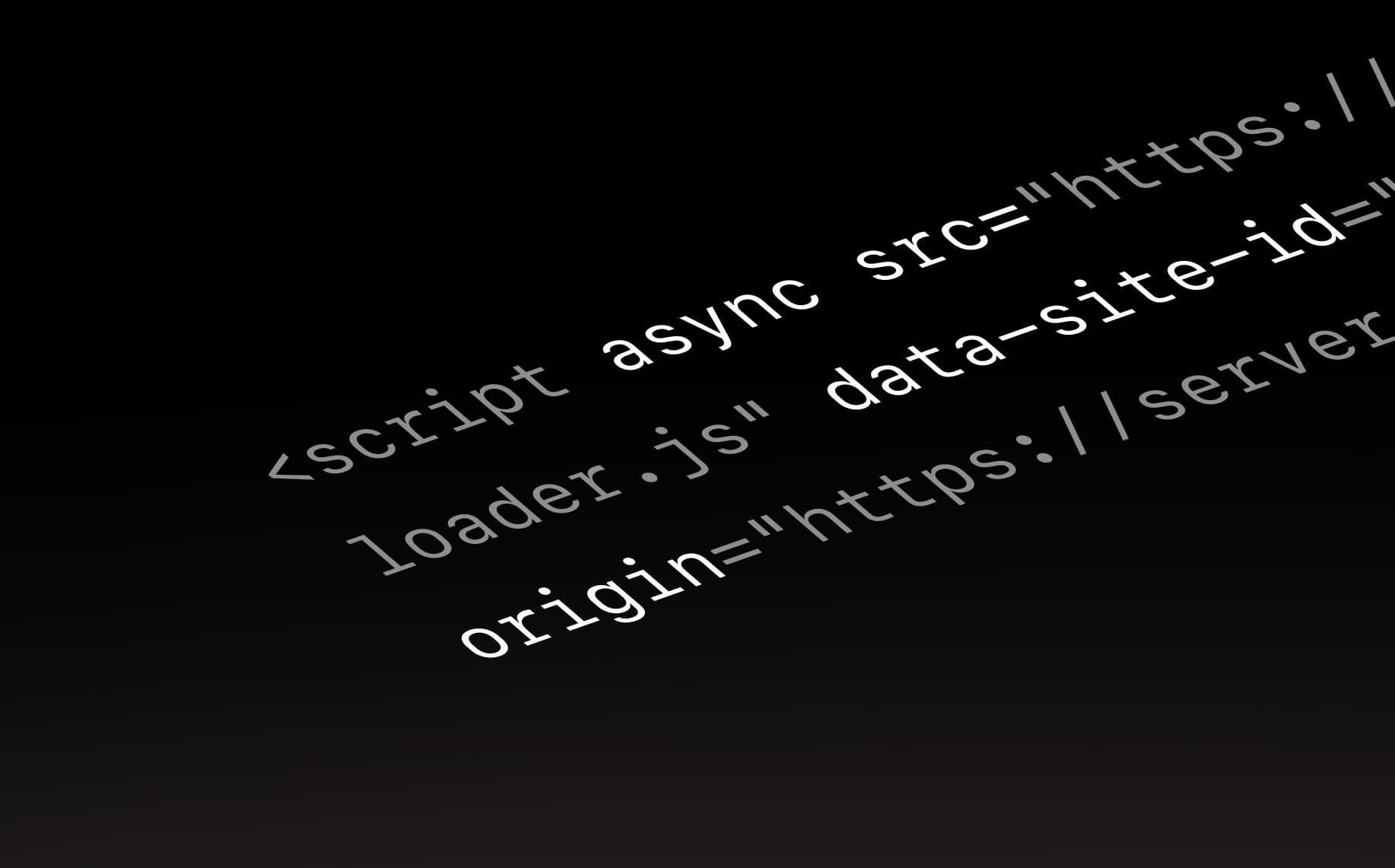
Today we’re launching the Quality script: one line of code that puts Quality inside the web app or site your team is building.
Until now, giving feedback with Quality meant installing the browser extension. Engineers did. Most of the team didn’t. The designer reviewing a build, the PM checking a fix and the founder clicking through before a launch were left with screenshots in Slack.
With the script, there’s nothing to install. Your team opens the app, clicks the Quality button and comments on the exact spot they mean.
How it works
Open a project’s Installation tab and paste the script into your app’s <head>. Or press Copy prompt for AI and let Claude Code, Codex or Cursor add it for you.

Once the script loads, the project shows it as connected. That’s the whole setup.
Feedback where the work is
Comments are pinned to the page, not described in a ticket. Each one comes with a replay of what happened, and the console and network activity behind it.
Engineers stop asking which browser, which page and what happened before. Design, product and engineering review the same build, in the same thread, until it’s resolved.
You decide where it runs
The script follows your project’s settings, not wherever it’s pasted. Ship it with your app and turn it on when you’re ready.
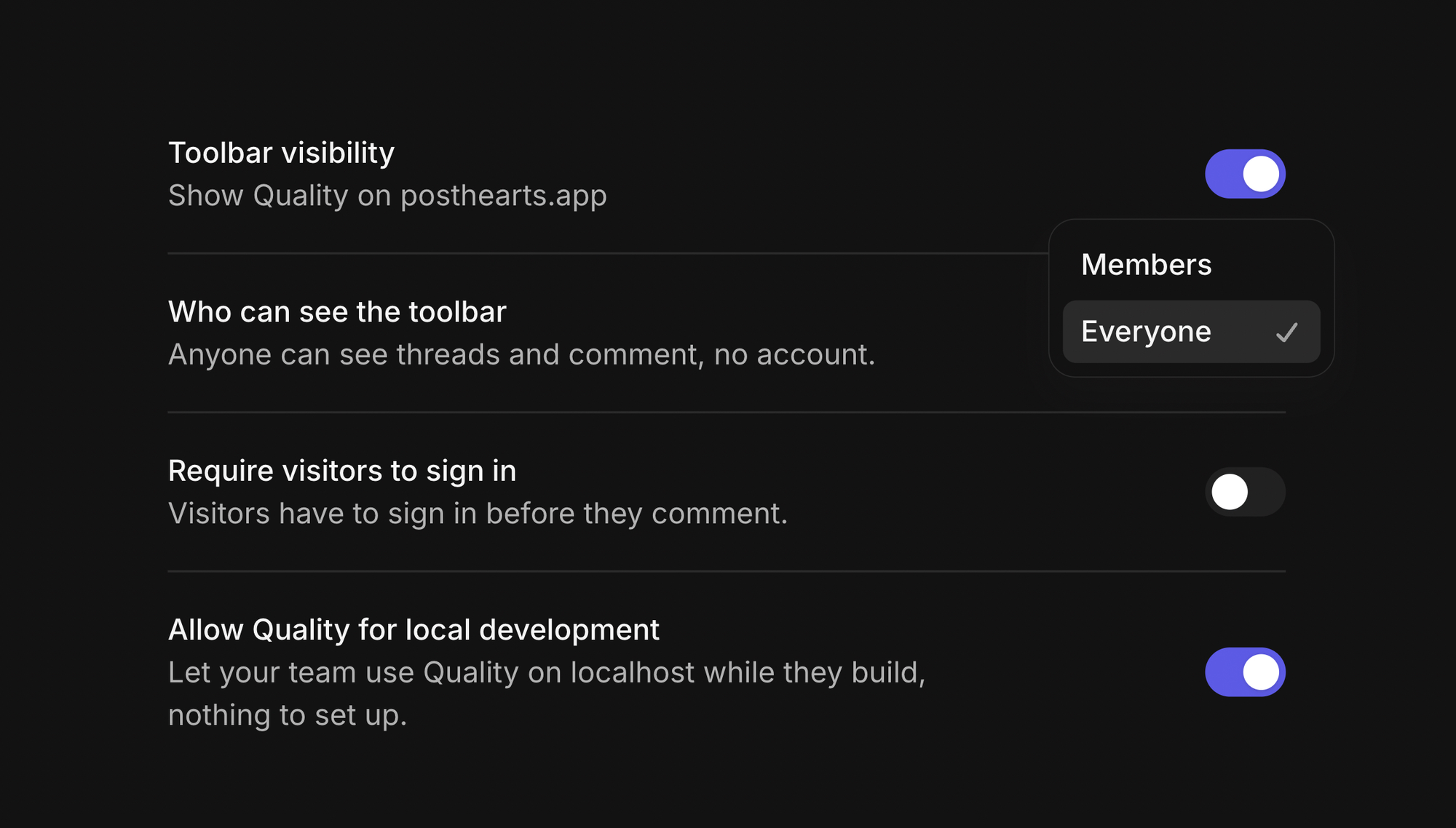
- On your live app, only your team sees it. Your users don’t.
- With Local development on, engineers use it on localhost, with the same threads as the live app.
- Everywhere else, it stays off.
You decide who sees what
Adding Quality to your app doesn’t open up your workspace.
- Your team sees every project, every thread and the full session behind each one.
- Guests, like a contractor or a freelance designer, see only the projects you share with them. Console and network logs stay with your team.
Getting started
The script is available in every workspace today. Everything else works as before: your agents read threads through the Quality MCP server, threads go to Linear, Jira and Slack, and the browser extension keeps working for sites you don’t own.
Open a project and add the script to the app your team is building.
Ayomide Daniel